BI Dashboards
Build powerful, interactive business intelligence dashboards with drag-and-drop simplicity. Visualise KPIs, track performance, and share insights across your organisation.
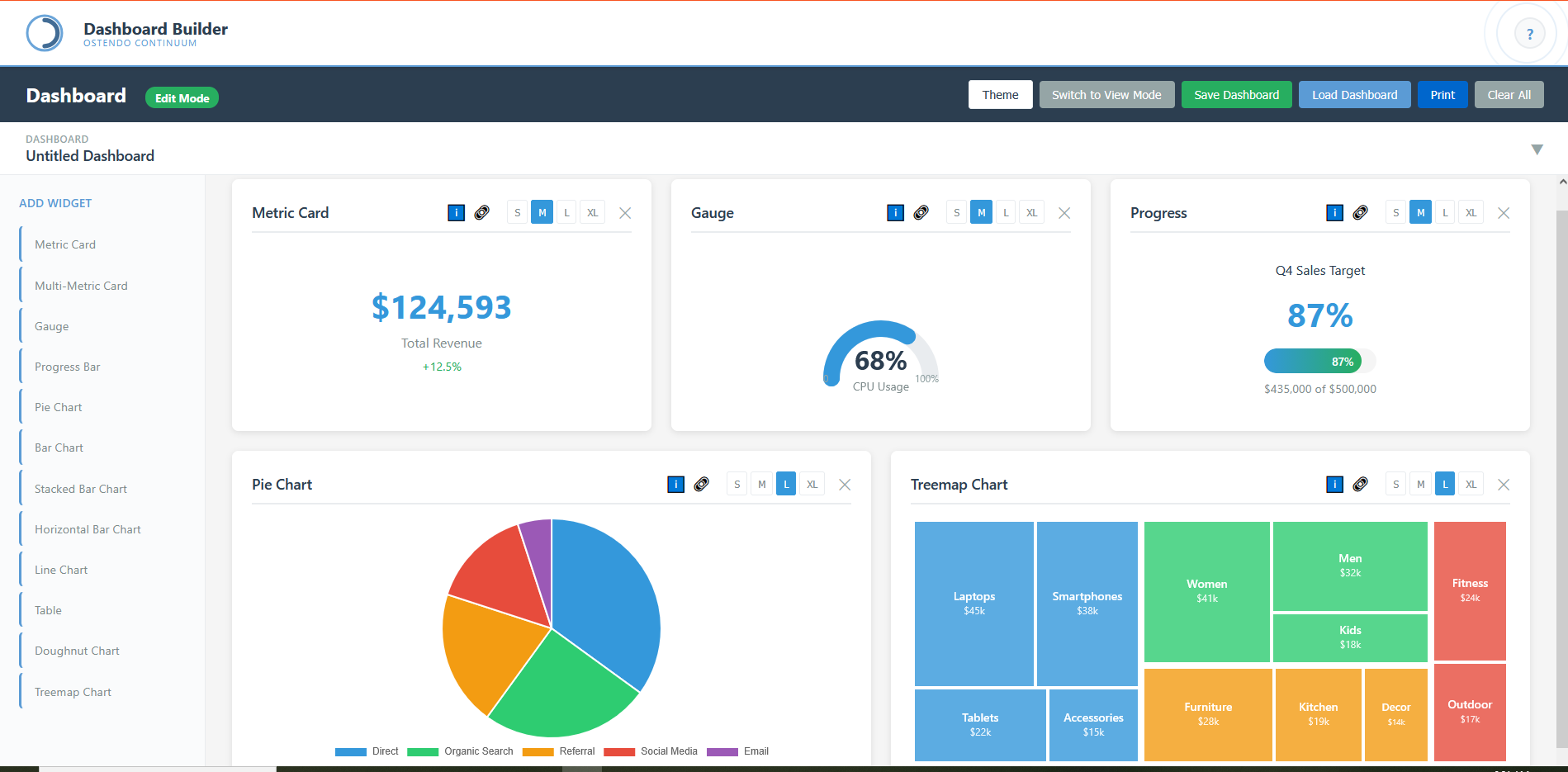
Visual Analytics Made Simple
The Dashboard Builder empowers business users to create sophisticated data visualisations without technical expertise. An intuitive drag-and-drop interface lets you assemble dashboards from a library of pre-built widgets, each configurable to display exactly the metrics that matter to your business.
Every widget supports multiple sizes—from compact summary cards to full-width detailed charts—allowing you to design layouts that prioritise your most critical information. The edit mode provides instant access to widget configuration, data binding, and styling options, while the view mode delivers a clean, distraction-free presentation for daily operations.
Dashboards are fully saveable and shareable. Create role-specific views for executives, operations managers, and floor supervisors, ensuring everyone sees the information most relevant to their responsibilities. Print-ready layouts and theme customisation ensure your dashboards look professional in any context.
Available Widget Types
Key Capabilities
Drag & Drop Builder
Intuitive interface for creating dashboards. Simply select widgets from the palette and arrange them on your canvas with responsive sizing options.
Widget Configuration
Each widget offers granular control over data sources, refresh rates, thresholds, colours, and display formatting to match your exact requirements.
Theme Support
Switch between light and dark themes instantly. Customise colour palettes to match your corporate branding across all dashboard elements.
Save & Load
Persist dashboard configurations for instant recall. Create libraries of pre-configured dashboards for different departments and use cases.
Print Ready
Generate print-optimised versions of your dashboards for management reports, board presentations, and offline distribution.
Responsive Sizing
Widgets adapt from small (S) to extra-large (XL) sizes. Design layouts that work equally well on production floor displays and executive tablets.